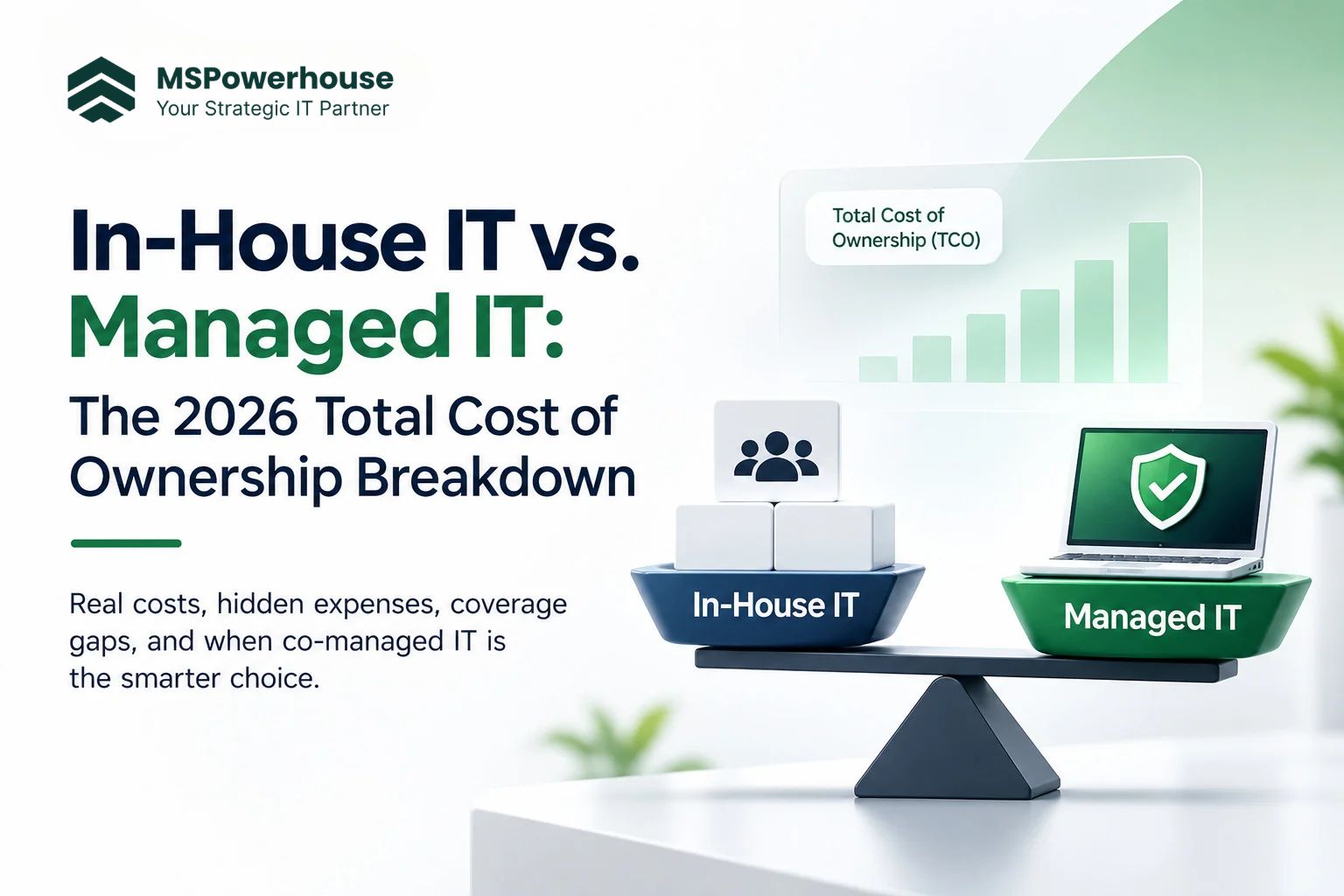
What one internal hire really costs a 20 to 150 person business, what that money does and does not cover, and when co-managed IT is the better answer.
Most growing companies reach the same decision point. The office manager who "knows computers" can no longer keep up, tickets pile up, and someone on the leadership team asks whether it is time to hire a full-time IT person or bring in a managed IT partner.
The usual mistake is comparing a salary against a monthly invoice. That comparison leaves out benefits, the tools an administrator needs to do the job, the hours nobody is watching, and the risk that all of your IT knowledge sits in one person's head. This guide puts real numbers on each of those, using public U.S. data, so you can run the math for your own business.
1. Start with the real cost of one hire
The U.S. Bureau of Labor Statistics puts the median pay for network and computer systems administrators at $96,800 a year (May 2024). That is the national middle. In this region it is higher: the BLS occupational wage data shows a Virginia median of $106,610 and a Washington-Arlington-Alexandria metro median of $124,050.
Salary is only part of what an employer pays. In the latest BLS Employer Costs for Employee Compensation release, benefits made up 29.9% of total compensation for private industry workers in December 2025. That covers paid leave, insurance, retirement contributions and legally required items such as Social Security, Medicare and unemployment insurance.
Gross up each median wage by that benefits share and you get the loaded cost of one administrator before buying a single tool:
Figure 1. Loaded cost = median wage divided by 0.701 (wages were 70.1% of private industry compensation). Sources: BLS OEWS and BLS ECEC.
Add recruiting cost, a laptop, training and certifications, and a realistic budget for one experienced in-house administrator in Northern Virginia lands well above $150,000 a year. And BLS projects employment in this occupation to decline 4% from 2024 to 2034, with roughly 14,300 openings a year, mostly from people leaving roles. Good generalists are not getting easier to find.
2. The tool bill nobody puts in the job offer
An administrator without tooling is a person with a password list. To run a modern Microsoft 365 environment safely, someone has to license, configure and maintain a stack like this:
Tool category | What it does for you |
Remote monitoring and management (RMM) | Patching, remote support, device inventory and alerts |
Endpoint detection and response (EDR/MDR) | Detects and contains malware and ransomware on laptops and servers |
Backup for Microsoft 365 and devices | Restores mail, OneDrive and SharePoint data after deletion or attack |
Ticketing and documentation | Tracks requests, SLAs, passwords and runbooks so knowledge is not lost |
Device management (Intune or similar) | Enrolls, configures and wipes company devices |
Email security and security awareness training | Filters phishing and trains staff to spot it |
Table 1. Core tooling an in-house IT role still has to buy and run. Price each line with real quotes for your seat count.
For a small company, this is the hidden line item. A managed IT partner already owns and operates this stack across many clients, so you are not paying for licensing minimums, setup time and the learning curve on your own. When you compare options, ask every provider to list which of these tools are included in their fee and which you would pay for separately.
3. Coverage: the hours nobody is watching
A full-time employee is paid for about 2,080 hours a year. Take out typical paid time off and holidays and roughly 1,880 of those hours are actually on shift. A year has 8,760 hours.
Figure 2. One administrator covers roughly a fifth of the year. Attackers and failed backups do not wait for business hours.
That gap matters because the clock on an attack is short. CISA's Known Exploited Vulnerabilities catalog lists flaws that criminals are already using, and under Binding Operational Directive 22-01 federal agencies get a fixed due date, often about two weeks, to patch them. That is a useful benchmark for private businesses too. If your only IT person is on vacation for those two weeks, patching waits.
The 2025 Verizon Data Breach Investigations Report found that exploitation of vulnerabilities was the initial way in for 20% of breaches, and that ransomware was present in 44% of the breaches it analyzed. Monitoring and patching are not nice-to-haves. They are the controls that close the most common doors.
4. The cost of getting it wrong
IBM's Cost of a Data Breach Report 2025 put the average cost of a breach in the United States at a record $10.22 million, against a global average of $4.44 million. IBM also found the average breach lifecycle, from compromise to containment, was 241 days.
Small businesses rarely face eight-figure losses, but the proportion is what matters. A week of downtime, a ransom demand, or a client contract lost because you could not show basic security controls can easily cost more than a year of IT support. The question is not only what IT costs. It is what a gap in IT costs.
5. Single point of failure: the risk that does not show on a budget
With one internal administrator, everything depends on that person:
Knowledge: admin passwords, vendor contacts, firewall settings and "how we set that up" often live only in their head.
Skills: one generalist is rarely an expert in Entra ID security, Intune, Azure, SharePoint, networking and backup at the same time.
Availability: sick days, vacations and resignations leave the business without cover, sometimes for months while you rehire.
Accountability: there is no second set of eyes reviewing changes, access or backup results.
A managed or co-managed model fixes this with documentation, shared runbooks and a team that does not walk out the door.
6. Three models compared
Figure 3. The three common ways growing businesses run IT.
Factor | In-house only | Co-managed | Fully managed |
Coverage | Business hours of one person | Internal lead plus partner after hours | Partner team, monitored around the clock |
Skill depth | One generalist | Lead plus specialists on demand | Certified specialists by area |
Tooling | You buy and run it | Usually partner-provided | Included in the service |
Knowledge risk | High | Low, shared documentation | Low, partner documents everything |
Cost behavior | Fixed salary plus tools and rehiring | Partner fee plus existing salary | Predictable monthly fee |
Best fit | Large sites needing daily on-site work | Firms with a strong IT lead who is overloaded | Firms with no IT staff or one stretched generalist |
Table 2. In-house, co-managed and fully managed IT side by side.
7. When in-house IT still makes sense
Outsourcing is not always the answer. A dedicated internal hire is often right when you have:
Constant hands-on work at one location, such as labs, manufacturing floors or many physical devices.
Specialized line-of-business systems that need someone embedded with the team every day.
Enough scale, usually well beyond 150 users, to justify a team rather than a single person.
Even then, most internal IT teams benefit from a partner covering Tier 1 requests, patching, monitoring and after-hours response, so the internal staff can focus on projects that move the business forward. That is co-managed IT.
8. Run the math for your business
Use this checklist before you post a job or sign a contract:
Look up the BLS median wage for your metro and divide by 0.701 to estimate loaded cost.
Get quotes for each tool in Table 1 at your seat count and add them.
Add recruiting, onboarding, training and a laptop for the new hire.
Ask who covers nights, weekends, vacations and the months after a resignation.
Ask each managed IT provider exactly which tools, hours and response times are included.
Compare the two totals, then weigh the coverage and knowledge risk that the numbers do not show.
If you want a deeper look at how support work itself is changing, read our guide on what AI deflects at the Tier 1 helpdesk and what still needs a human. For the security side, see what changed in your Entra tenant after Storm-0558, and for licensing costs, why you should stop buying E5 for everyone.
How MSPowerhouse approaches it
MSPowerhouse works as a full or co-managed IT team for growing businesses. Our managed IT services cover monitoring, patching, helpdesk support, cybersecurity, cloud backup and device management, delivered by certified Microsoft 365 engineers.
Month-to-month contracts: we keep your business by doing the work, not by locking you in.
No upfront onboarding fees: you do not pay to get started.
Certified engineers: Microsoft 365, Intune, Entra ID and Azure specialists handle your tickets, not a generic call center.
Documentation you own: your passwords, runbooks and configurations stay with your business.
Not sure which model fits? Get a free IT assessment and we will map your current costs, coverage gaps and risks, or book a free consultation to talk it through with an engineer.
Sources
U.S. Bureau of Labor Statistics, Occupational Employment and Wages: 15-1244
U.S. Bureau of Labor Statistics, Employer Costs for Employee Compensation
IBM, Cost of a Data Breach Report 2025
Verizon, 2025 Data Breach Investigations Report