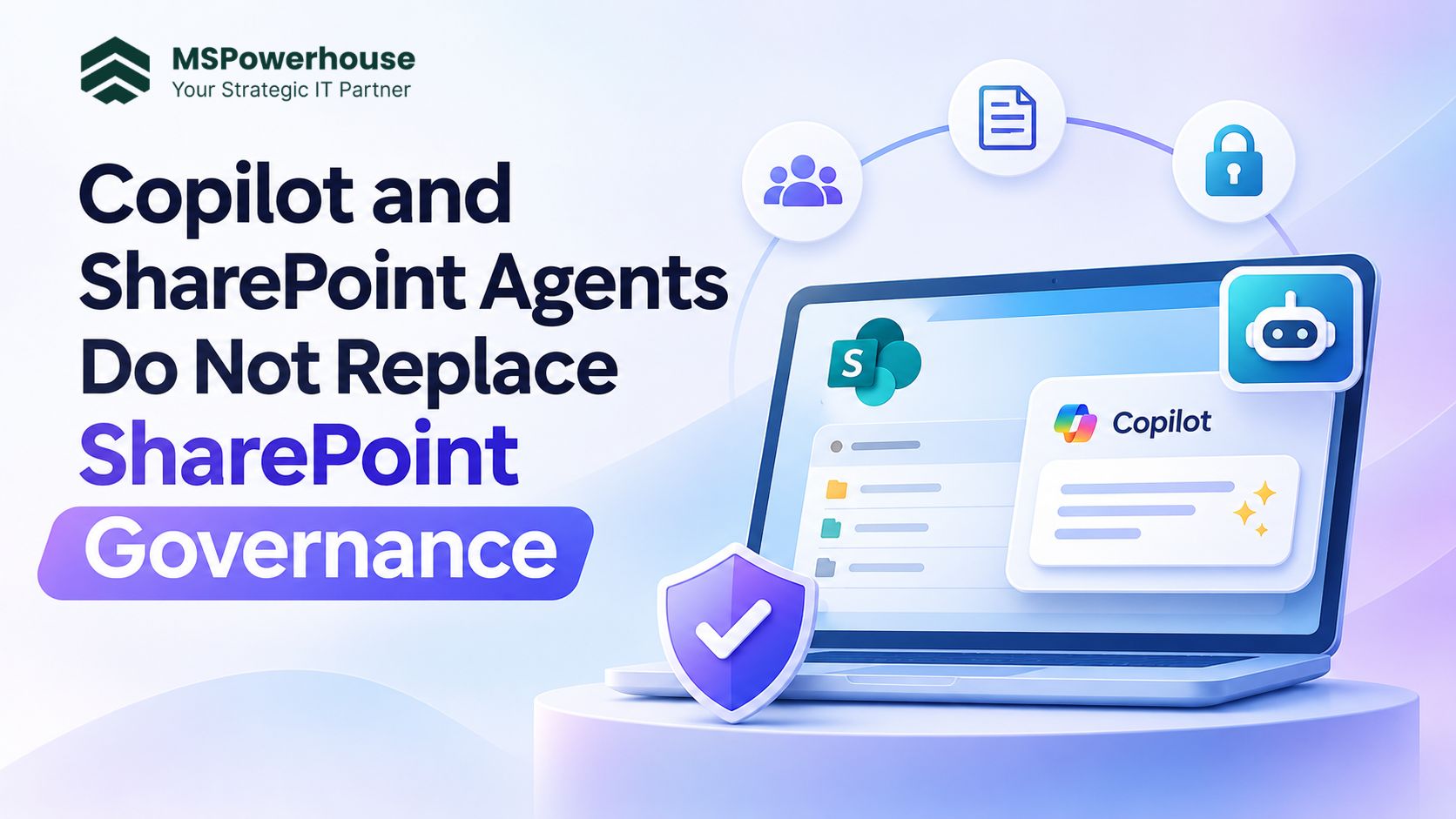
Why AI in SharePoint magnifies underlying permissions, content hygiene, and access controls (and how to build a supportable operating model)
Copilot and SharePoint agents do not replace SharePoint governance; they make the quality of permissions, content ownership, and information hygiene immediately visible across your entire organization. When employees ask an AI agent a question, the model does not browse the web or invent answers from scratch. It grounds its response strictly in the SharePoint documents and libraries the requesting user has permission to read. If permissions are disciplined and content is current, the agent delivers fast, accurate operational answers. If your environment contains outdated drafts, duplicate policy documents, or libraries exposed to Everyone except external users (EEEU), the agent will faithfully surface those errors with unprecedented speed.
Figure 1: SharePoint Agent Grounding and Security Boundary. The AI agent executes entirely within the user's Entra ID security context.
Key Takeaway: AI Inherits Security, It Does Not Create It
The fundamental technical rule of Microsoft 365 Copilot and SharePoint agents is straightforward: AI experiences never bypass SharePoint permissions. An agent cannot read a folder, library, or site that the user cannot already open in SharePoint Online. However, AI fundamentally changes how content is discovered. In traditional folder-based SharePoint, an overshared file (such as an unencrypted compensation spreadsheet or confidential project review) often sat unnoticed in a subfolder because nobody knew the direct URL. With natural-language prompts, that obscurity disappears. If a user asks, 'What were the executive bonus guidelines for last year?', an agent will immediately parse and summarize any accessible file matching that concept.
For IT directors and operations leaders evaluating SharePoint agents in Microsoft 365, the practical question is not simply whether SharePoint can generate an agent with two clicks. The real architectural question is how to design the capability so that data access stays reviewable, answers remain authoritative, and the operating model continues to make sense after personnel and business priorities change.
The Five Core Pillars of SharePoint AI Hygiene
Before launching site agents or deploying tenant-wide Copilot licenses, organizations must establish baseline information hygiene across five core operational pillars:
Figure 2: The Five Core Pillars of SharePoint AI Governance. Quality AI outcomes require disciplined permissions, authoritative content, and lifecycle ownership.
1. Authoritative Source Identification and De-duplication: AI models cannot intuitively guess which of five files named 'Employee Handbook 2024 Final v3.docx' is active. Organizations must establish a single authoritative source of truth for each department, move legacy versions into archive libraries, and delete redundant drafts.
2. Permission Baselines and Persona Testing: An admin test is never sufficient. The identical agent prompt must be verified under multiple user personas: executive, department member, frontline worker, external guest, and restricted contractor.
3. Scoped Grounding Over Tenant-Wide Sprawl: Purpose-built agents grounded in specific document libraries (e.g., HR Benefits, IT Standard Operating Procedures, or Facility Guidelines) produce far higher accuracy and lower hallucination rates than an ungoverned agent querying the entire tenant.
4. Lifecycle Ownership and Orphaned Sites: Every SharePoint site and agent must have at least two designated active business owners. When an employee leaves, automated access reviews and group owner management prevent orphaned knowledge bases.
5. Explicit Human Escalation Paths: When an agent encounters ambiguous queries, sensitive topics, or missing information, it must be programmed with clear fallback rules that direct users to the responsible human team rather than guessing.
The Three Modern Microsoft Governance Tools You Must Know (2026)
Microsoft has significantly expanded tenant-level AI and data governance capabilities. Organizations managing SharePoint agents should actively configure three key features within SharePoint Advanced Management (SAM) and Microsoft Purview:
Governance Tool | Core Capability | Impact on Copilot & Agents | Primary Use Case |
Restricted Content Discovery (RCD) | Suppresses specific sites from organization-wide search and Copilot tenant grounding. | Agent experiences on suppressed sites are hidden; content is excluded from general Copilot answers. | Confidential executive sites, M&A project hubs, and legal repositories. |
Restricted Access Control (RAC) | Restricts site access to members of an explicit Entra ID security group, blocking link oversharing. | Prevents accidental access leaks by overriding loose library-level or item-level sharing links. | High-risk departmental sites containing financial, health, or proprietary IP data. |
Data Access Governance (DAG) | Generates automated tenant reports on overshared sites, external links, and EEEU exposures. | Allows administrators to identify and remediate overshared content before enabling AI agents. | Pre-Copilot tenant readiness audits and quarterly security access reviews. |
According to official documentation for Restricted Content Discovery (RCD), applying RCD ensures that users who have direct access to a site can still collaborate normally, but the site will not appear in broad Copilot chat summaries or tenant-wide search results. In tandem, Data Access Governance (DAG) reports provide IT administrators with immediate visibility into which sites have the highest volume of company-wide sharing links.
Step-by-Step Implementation Roadmap (The 6-Stage Framework)
To prevent chaotic rollouts and support ticket spikes, organizations should execute SharePoint agent implementations across six distinct, gated phases:
Figure 3: The 6-Stage SharePoint AI Readiness Roadmap. Each phase requires explicit technical validation before moving to the next.
Stage 1: Security Audit and Sharing Link Inventory
Begin by generating a complete inventory of site permissions, anonymous sharing links, and tenant-wide 'People in your organization' links. Utilize SharePoint Advanced Management DAG reports and MSPowerhouse Cybersecurity Audits to map out all repositories accessible to broad security groups. Flag any sites that contain sensitive personal, financial, or executive data.
Stage 2: Access Remediation and Group Normalization
Eliminate broken permission inheritance at the folder level. Replace direct user assignments with centralized Entra ID security groups or Microsoft 365 groups. Configure Restricted Access Control (RAC) on confidential sites to guarantee that even if an internal user attempts to create a broad sharing link, only designated group members can open the files.
Stage 3: Content Triage and Grounding Scope Selection
Do not point an agent at an uncurated site root. Identify the specific document libraries that contain authoritative reference material. Archive legacy documents to read-only cold storage libraries, and implement standardized SharePoint metadata architecture (such as Document Type, Department, and Effective Date) so the agent can accurately filter knowledge sources.
Stage 4: Sensitivity Labeling and RCD Activation
Deploy Microsoft Purview Sensitivity Labels with automated encryption and visual watermarking. For sites that must remain strictly private and excluded from general generative AI answers, apply Restricted Content Discovery (RCD). This creates a firm technical perimeter preventing accidental search-based knowledge leakage.
Stage 5: Multi-Persona Pilot and Prompt Benchmarking
Before releasing agents to all employees, assemble a test matrix of 20 to 30 realistic operational prompts. Execute these prompts across five distinct test accounts: Executive, Full-Time Employee, Frontline Worker, External Contractor, and Restricted User. Verify that restricted users receive polite boundary refusals, while authorized employees receive precise, cited answers.
Stage 6: Operational Scorecard and Continuous Telemetry
Deploy the agent with active monitoring. Review weekly telemetry tracking unanswered queries, user feedback, and content gaps. Establish a quarterly review cadence where site owners re-certify their library permissions and retire outdated reference material.
Common SharePoint Agent Pitfalls and How to Avoid Them
Through our client deployments, MSPowerhouse engineers frequently encounter five preventable mistakes:
Purchasing Copilot licenses before reviewing permissions: Procuring expensive licenses without auditing existing sharing links guarantees that overshared files will be discovered by employees within the first week. Audit access first.
Assuming AI introduces new security vulnerabilities: AI does not create new permissions. It simply makes existing administrative misconfigurations instantly discoverable. Remediation begins with SharePoint security basics.
Allowing uncurated sites to serve as grounding sources: If a document library contains three conflicting drafts of an travel expense policy, the agent will synthesize an unpredictable blend of all three. Clean the source before activating the agent.
Creating orphan agents without business owners: Site owners often generate custom agents during team meetings and subsequently abandon them. Every published agent must have a named department owner responsible for accuracy.
Ignoring personal OneDrive sharing: Copilot chat queries index accessible files across both SharePoint and OneDrive. If employees store sensitive departmental files in personal OneDrive accounts and share them broadly, agents will surface that content outside governed site controls.
The AI Readiness and Governance Scorecard
To evaluate whether your SharePoint agent implementation is genuinely delivering business value rather than creating operational risk, track these five metrics on a monthly basis:
Metric Name | Target Benchmark | Operational Objective |
Answer Accuracy Rate | > 92% validated citations | Measures whether agent answers link to current, authoritative documents. |
Oversharing Remediation | Zero unmonitored EEEU links | Confirms that DAG audit findings have been systematically resolved. |
Unanswered Query Rate | < 8% fallback rate | Identifies knowledge gaps where documentation must be authored or updated. |
Content Freshness Ratio | 100% sources verified in 90 days | Ensures that site owners regularly review and recertify grounding libraries. |
Support Ticket Velocity | Trending downward month-over-month | Validates that employees are finding self-service answers rather than filing helpdesk tickets. |
How MSPowerhouse Accelerates Your SharePoint AI Readiness
At MSPowerhouse, we believe AI should strengthen your operational resilience, not expose your internal data. Our certified Microsoft 365 cloud architects and SharePoint specialists help mid-market organizations transition from chaotic file shares to governed, AI-ready collaboration hubs.
Our client engagements are built on transparent, flexible service differentiators:
Month-to-Month Contracts with Zero Upfront Fees: We earn your partnership every single month. No rigid multi-year vendor lock-in or surprise onboarding retainers.
Certified Microsoft 365 Engineers: Our engineers audit permissions, configure governance controls, and stay accountable for your tenant after go-live.
Transparent Predictable Pricing: IT support and Microsoft 365 management starting at $999 per month, with no hidden fees.
End-to-End Governance and Implementation: From initial Data Access Governance audits and Restricted Content Discovery configuration to custom Copilot Studio agent engineering and employee training.
Ready to securely deploy Copilot and SharePoint agents in your environment? Request a Free SharePoint & AI Readiness Assessment or connect directly with our technical team via our Contact Page to get started.
Authoritative Sources and Further Reading
For official technical guidance and tenant administration guidelines, review these Microsoft Learn resources:
1. Microsoft Learn: Get Started with SharePoint Agents
2. Microsoft Learn: Overview of Restricted Content Discovery (RCD)
3. Microsoft Learn: SharePoint Advanced Management (SAM) Overview
4. Microsoft Learn: Restricted Access Control (RAC) for SharePoint Sites
5. Microsoft Learn: Data Access Governance (DAG) Reports
6. Microsoft Learn: Learn About Sensitivity Labels in Microsoft Purview
7. Microsoft Learn: Data, Privacy, and Security for Microsoft 365 Copilot