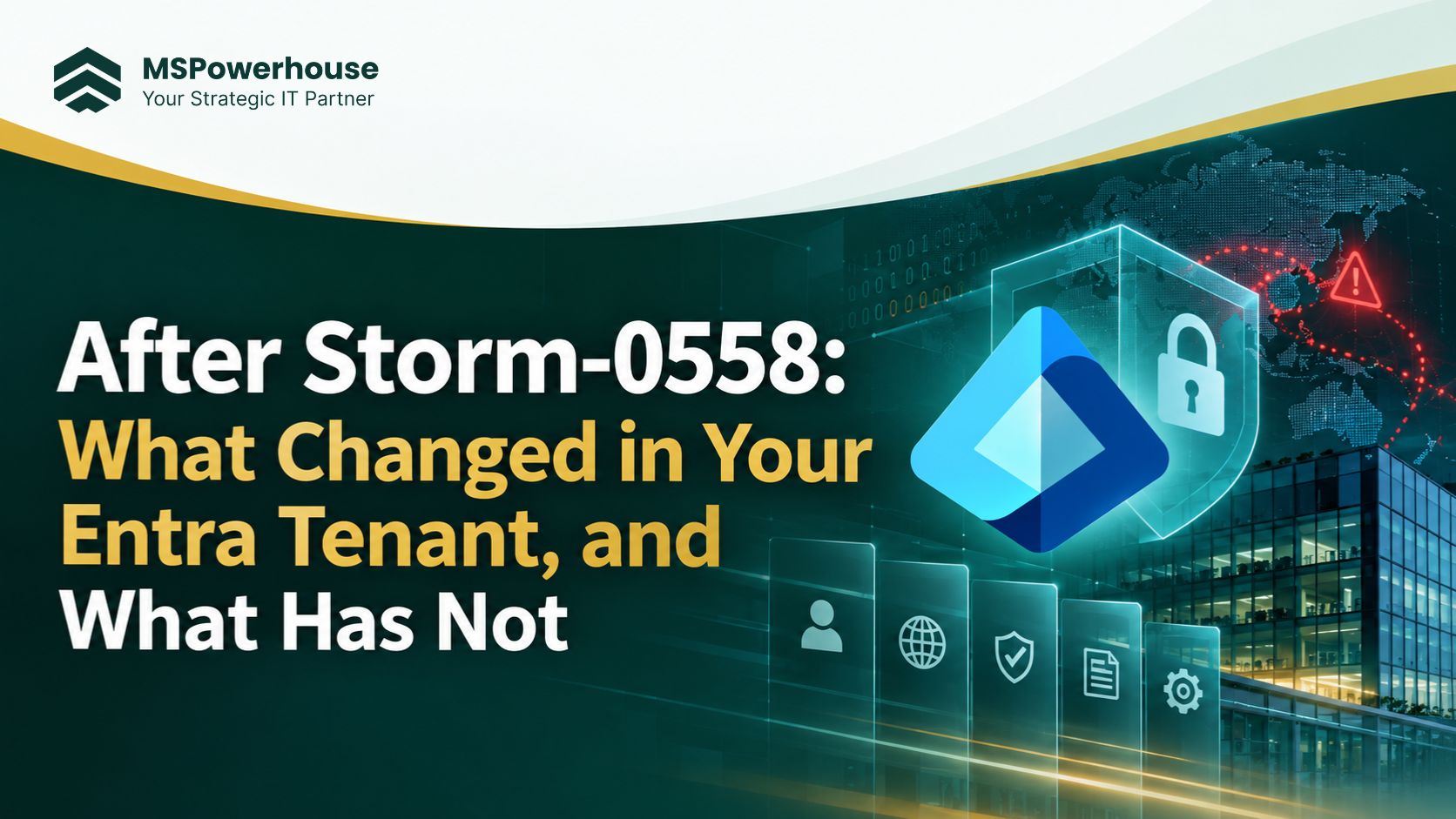
After Storm-0558: What Changed in Your Entra Tenant and What Hasn't
MSPowerhouse | Cybersecurity | 12 min read
On April 2, 2024 the US Cyber Safety Review Board published its report on Storm-0558, the summer 2023 intrusion in which a China-based actor used a stolen Microsoft consumer signing key to forge tokens and read Exchange Online mailboxes at the US State Department, Commerce and other organizations (CSRB report (PDF)). The board called the breach preventable and said Microsoft's security culture needed an overhaul. Microsoft's response was the Secure Future Initiative (SFI).
Some SFI changes now protect every tenant automatically. Others only work if your admins turn them on, and in most tenants we review, they are still off.
Figure 1: Storm-0558 timeline, from intrusion to Microsoft's security response
What Microsoft changed after Storm-0558
Based on Microsoft's technical investigation and its SFI progress reports:
Signing keys moved into hardware security modules, with automatic rotation.
Token validation hardened so consumer keys cannot be used to sign enterprise tokens.
Mandatory MFA for anyone signing in to the Azure portal, Entra admin center and Intune admin center.
New tenants get Microsoft-managed Conditional Access policies and security defaults.
Expanded free logging in Microsoft Purview Audit (Standard), a direct CSRB recommendation.
The catch: these are Microsoft-side fixes. They do not switch on the controls inside your tenant that stop stolen tokens, weak MFA or risky app consent. The five settings below are the ones we most often find switched off. |
Figure 2: What Microsoft fixed for you versus what your admins still need to configure
5 Entra settings most tenants still leave off
Figure 3: How each setting breaks a step in a token-theft attack
1. Token protection
Binds a sign-in session to the device it was issued on, so a stolen token cannot be replayed from another machine. It is a Conditional Access session control for supported Windows apps (Exchange, SharePoint, Teams) and needs Entra ID P1. Start in report-only mode, check which apps and devices fail, then enforce.
2. Phishing-resistant MFA for admins
Most tenants accept any second factor, including SMS and phone calls. Require the "Phishing-resistant MFA" authentication strength (passkeys, FIDO2 keys or Windows Hello for Business) for every admin role. CISA's SCuBA baseline lists this as a must-have control.
3. Compliant network check
With Global Secure Access, Conditional Access can require that sign-ins come through your organization's secured network path, which blocks token replay from an attacker's own infrastructure. This one needs a Global Secure Access license, so it is the only item here with an added cost.
4. Restricted management administrative units
Put break-glass and other high-privilege accounts in a restricted management administrative unit. Only admins assigned at that unit can change them, so a compromised helpdesk or user administrator cannot reset their passwords or MFA.
5. App consent policies
By default, users can approve third-party apps that ask for access to their mail and files. Attackers use this to keep access after a password reset. Limit user consent to verified publishers and low-risk permissions, and turn on the admin consent workflow for everything else. The same control is the first layer in our Copilot Studio and MCP governance guide.
Quick reference: the five settings
Setting | What it stops | License | Where to set it |
Token protection | Stolen session tokens replayed on another device | Entra ID P1 | Conditional Access > Session |
Phishing-resistant MFA for admins | Phished or SMS-intercepted admin sign-ins | Entra ID P1 | Conditional Access > Authentication strength |
Compliant network check | Sign-ins from attacker infrastructure | Global Secure Access | Global Secure Access + Conditional Access |
Restricted management admin units | Lower admins resetting tier-0 accounts | Entra ID P1 | Roles & admins > Admin units |
App consent policies | Rogue OAuth apps keeping mailbox access | Included | Enterprise apps > Consent and permissions |
The 30-minute check
Open the Entra admin center and check these five settings, then compare your Microsoft Secure Score identity recommendations. If two or more are off, your tenant is closer to the 2023 posture than you think. Four of the five are configuration changes with Entra ID P1, which is already included in Microsoft 365 Business Premium and E3.
Figure 4: Typical setup time and license needed for each control
Not sure which licenses you actually need for these controls? See why most companies should not buy E5 for everyone. Rolling out Copilot next? Identity and permissions are the same audit, so read our SharePoint permissions guide before you assign licenses.
Want to know where your tenant stands? MSPowerhouse's certified Microsoft 365 engineers review Entra settings, Conditional Access and Secure Score as part of our cybersecurity service and Microsoft 365 setup, and keep them monitored under managed IT support. Take the free IT assessment or book a consultation. |