A good SharePoint engagement produces a supportable operating model, not just a collection of configured sites. When business units bypass IT or treat SharePoint Online as an unmanaged dumping ground for files, the resulting chaos rarely stems from software limitations. It stems from architectural debt.
The goal is never to use SharePoint for everything. The goal is to use it where shared ownership, Microsoft 365 identity, document governance, structured metadata, search indexing, and automated lifecycle policies deliver a measurable operational improvement over unmanaged network drives, email attachments, and disconnected spreadsheets.
For organizations evaluating whether to engage outside expertise, the practical question is not whether SharePoint can solve an issue in theory. The critical question is whether internal teams possess the specialized architecture skills to configure it correctly the first time—without creating security blind spots, broken permission loops, or adoption resistance.
Key Takeaway: A competent SharePoint engagement leaves your internal administrators capable of managing the tenant. It prevents multi-site permission sprawl, optimizes storage economics before overage fees trigger, and secures your data boundary before Copilot indexes sensitive corporate records for unauthorized users.
When External Expertise Outweighs Internal Trial-and-Error
Organizations often hesitate to hire a SharePoint consultant because internal IT teams can technically provision site collections, assign user licenses, and create document libraries. However, configuring basic plumbing is fundamentally different from designing a resilient, scalable enterprise information architecture.
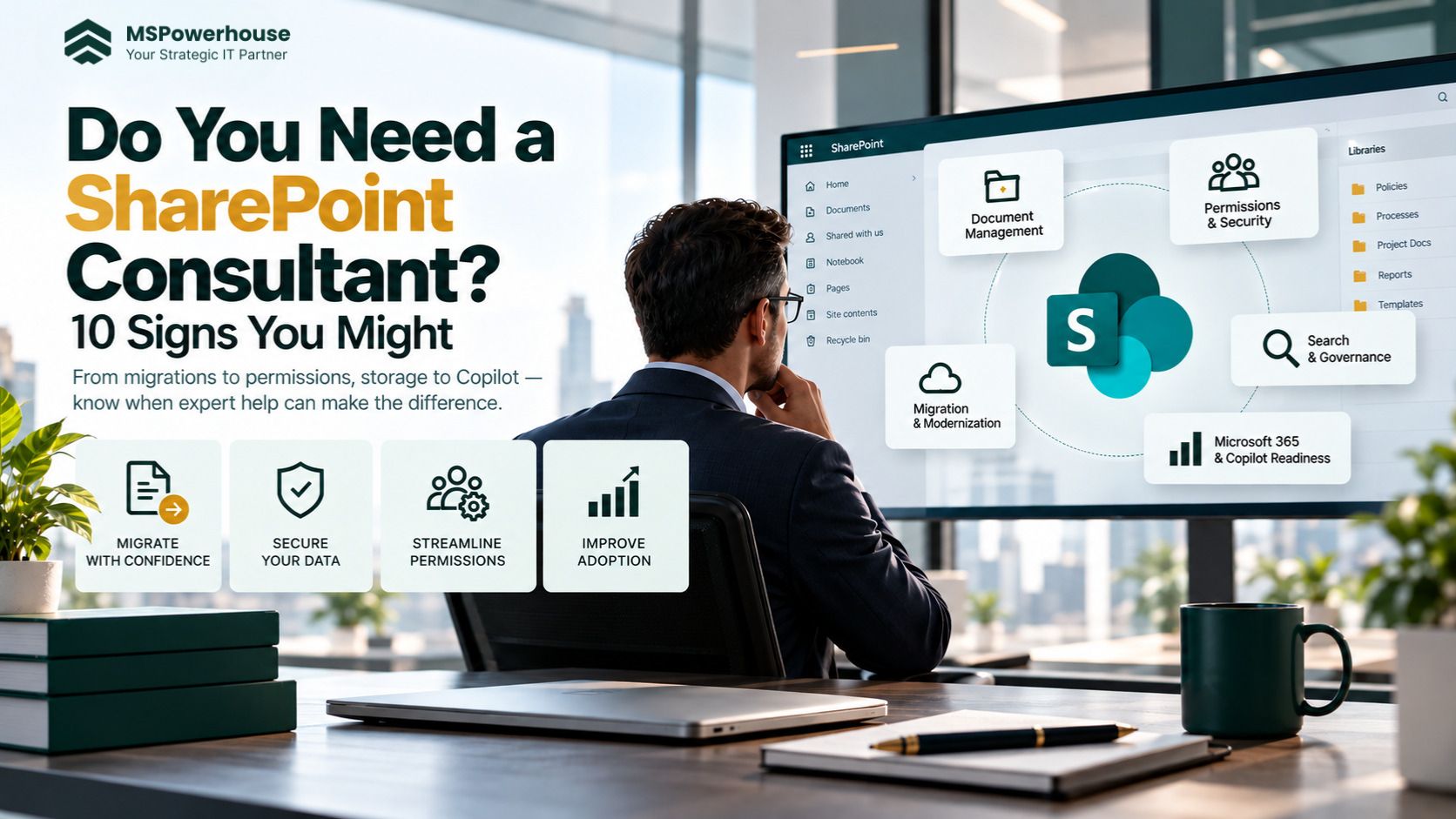
An experienced SharePoint consulting partner steps in when internal IT resources face high-risk inflection points: impending multi-terabyte cloud migrations, structural permission sprawl, uncontrolled Microsoft 365 storage bills, or preparation for Microsoft 365 Copilot rollouts. If an internal team spends four months misconfiguring a site topology, fixing the broken inheritance trees and lost document links later costs significantly more than engaging an architect up front.
10 Operational Signs Your Organization Needs a SharePoint Consultant
Sign 1: You Are Planning a File Share or Legacy System Migration with Unmapped Permissions
Moving terabytes of unorganized data from on-premises file servers directly to SharePoint Online without redesigning the folder hierarchy always results in failure. Traditional NTFS permissions (nested AD groups, broken folder-level ACLs, and deep inheritance overrides) do not map cleanly to modern Microsoft 365 site architecture. Furthermore, migrating deep nested directories frequently breaches the SharePoint 400-character URL path limit. If your team cannot confidently map legacy security groups to M365 Groups or evaluate toolsets like SPMT versus Migration Manager or ShareGate, an experienced migration architect is necessary to prevent data loss and broken access controls. (Read our technical breakdown on SPMT vs. Migration Manager vs. ShareGate).
Sign 2: Item-Level Permission Sprawl Has Created “Access Denied” Ticket Storms
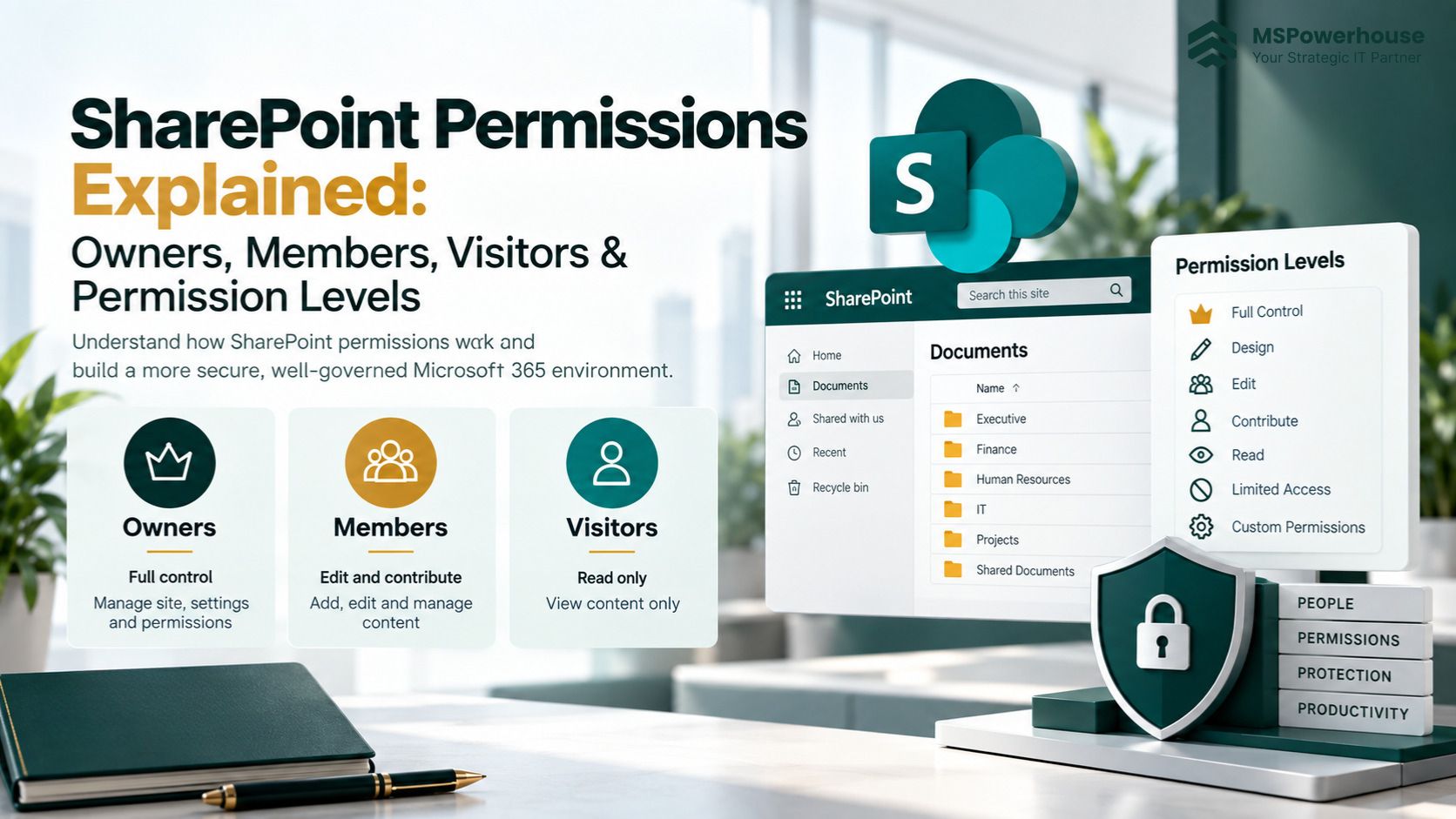
When site owners share files by generating one-off “Anyone” or “Specific People” sharing links at the individual document level, they break permission inheritance. Once a library exceeds 5,000 items with unique permission scopes, it triggers list view threshold freezes, administrative sync failures, and auditing blind spots. If your IT helpdesk is inundated with daily tickets from employees who cannot access files they owned yesterday—or if you have no way to audit who has access to confidential financial documents—you need a consultant to dismantle the broken inheritance tree, establish clean hub-site group structures, and deploy SharePoint Data Access Governance reports.
Sign 3: Tenant Storage is Approaching the Licensed Quota and Overage Invoices Loom
Microsoft 365 tenants receive a baseline storage allotment of 1 TB plus 10 GB per licensed user. Beyond this quota, Microsoft charges $0.20 per GB per month ($200 per TB monthly or $2,400 annually). Organizations without automated retention and versioning controls frequently discover that 60% to 75% of their consumed storage consists of unnecessary document version histories, abandoned former-employee backups, and redundant media files. A SharePoint specialist deploys version trimming policies, configures Microsoft 365 Archive tiers ($0.05/GB/mo), and cleans up redundant bloat to save tens of thousands of dollars in recurring cloud fees. (See our guide to SharePoint Online Storage Limits and Quotas).
Sign 4: You Are Rolling Out Microsoft 365 Copilot, but Data Boundaries Are Undefined
Microsoft 365 Copilot respects existing user permissions. If an employee searches Copilot for “executive compensation” or “restructuring plan,” Copilot indexes and surfaces every document where permissions were inadvertently left open to “Everyone except external users” or where modern team sites were provisioned as “Public.” Before rolling out Copilot licenses, you must conduct an automated oversharing audit, restrict content discovery, and implement automated sensitivity labels. If your internal team lacks experience configuring Microsoft Purview Information Protection and Restricted Content Discovery, bringing in a consultant is a non-negotiable security requirement.
Sign 5: The Intranet Has Become a “Digital Graveyard” with Near-Zero User Engagement
If your company launched an intranet that nobody visits, the root cause is almost always navigational friction, stale content, and poor mobile design. Departments post policies into buried sub-folders, search results return five conflicting versions of an employee handbook, and mobile workers cannot access essential tools. A SharePoint architect restructures the environment using modern Communication Sites, centralized Hub Navigation, Viva Connections integration, and audience targeting so employees see content relevant strictly to their location and role.
Sign 6: Mission-Critical Workflows Still Rely on Fragile Spreadsheets or Legacy InfoPath/SharePoint 2013 Forms
When customer onboarding, equipment requisition, or purchase approvals depend on someone emailing an Excel workbook or maintaining deprecated InfoPath forms, operational risk escalates rapidly. Spreadsheets lack audit logging, introduce version collision, and break when formulas are overwritten. A consultant transforms these bottlenecks into modern Power Apps forms, automated Power Automate approval chains, and auditable SharePoint Lists with role-based field restrictions.
Sign 7: Employees Regularly Bypass SharePoint for Shadow IT (Dropbox, Google Drive, WhatsApp)
When staff members consistently upload company files to personal cloud services or share sensitive contracts via personal messaging apps, it is a direct operational symptom that SharePoint is too cumbersome or slow. Users bypass systems when OneDrive sync client errors are rampant, check-in/check-out policies lock files needlessly, or folder structures require 12 clicks to find an invoice. A SharePoint consultant eliminates this friction by designing metadata-filtered views, optimizing sync policies, and configuring modern co-authoring standards that make compliant collaboration faster than shadow IT.
Sign 8: Subsites and Deep Hierarchies Prevent Agile Reorganization and Departmental Mergers
Legacy SharePoint architectures relied heavily on nested subsite hierarchies under a single site collection. In modern Microsoft 365, subsites are an architectural dead end: they share single storage quotas, create permission inheritance traps, cannot be converted into Microsoft Teams workspaces, and break when departments reorganize. A SharePoint architect flattens legacy subsite topologies into modern flat hub-site networks where sites link dynamically without breaking URLs or permissions during corporate restructurings.
Sign 9: External Client and Vendor Collaboration is Chaotic or Insecure
Collaborating with outside legal counsel, auditing firms, subcontractors, and clients requires precise security boundaries. If your staff either cannot invite external guests due to blanket tenant blocks—or conversely, generate open anonymous links that allow anyone with the URL to view proprietary intellectual property—your external collaboration model is broken. A consultant establishes standardized B2B Entra ID guest access policies, automated access expiration reviews, and private shared channels in Teams to balance seamless client interaction with regulatory compliance.
Sign 10: Your Internal IT Staff is Buried in Day-to-Day Maintenance Without Architecture Capacity
Your internal system administrators and helpdesk engineers are responsible for endpoint security, user onboarding, network availability, and patching. Asking them to master complex SharePoint metadata taxonomies, search schema refiners, retention labels, and PowerShell governance scripting on top of their full-time jobs leads to stalled projects and unmaintainable band-aids. Engaging an outside SharePoint consultant gives your organization immediate access to deep architectural expertise for project delivery while freeing internal IT to maintain core business uptime.
Strategic Evaluation: Internal DIY vs. Dedicated SharePoint Consultant
Operational Dimension
Internal DIY Execution
Dedicated SharePoint Consultant
Time to Production
6 to 12 months of trial-and-error, often paused due to urgent helpdesk escalations.
4 to 8 weeks with a validated deployment framework and defined milestones.
Architecture Quality
Folder-heavy, nested subsite legacy design; prone to 400-char path limits.
Modern flat hub topology with global metadata, content types, and dynamic search refiners.
Security & Governance
Reactive link-sharing; sprawling item-level permissions; high risk of Copilot oversharing.
Proactive Entra ID / M365 Group mapping, Data Access Governance reports, and automated labeling.
Storage Cost Control
Storage limits breached unnoticed; unexpected $0.20/GB/month overage fees.
Automated version trimming, archive tiering, and lifecycle policies that cap tenant expenses.
End-User Adoption
Minimal training; high resistance; pervasive user fallback to Shadow IT tools.
Tailored communication sites, Viva integration, streamlined mobile UI, and governance documentation.
A Structured 5-Phase Engagement Framework
A legitimate consulting engagement follows an engineering lifecycle with verifiable deliverables—not vague advice. Below is the framework professional Microsoft 365 practices utilize to transform SharePoint environments:
Phase 1: Discovery, Security Audit, and Tenant Health Analysis
The engagement begins with a comprehensive audit of current tenant configuration. Consultants run PowerShell scripts and review SharePoint Advanced Management reports to identify inactive site collections, item-level permission breaks, external sharing vulnerabilities, storage consumption velocity, and orphan user accounts. Deliverable: Tenant Health & Risk Assessment report with prioritized technical remediations.
Phase 2: Information Architecture and Hub Topology Design
Rather than jumping straight to configuration, the consultant designs a flat site collection architecture mapped to business functions. This includes establishing hub site associations, tenant-wide metadata taxonomies, content types, document ID services, and standard retention periods. Deliverable: Enterprise Information Architecture Blueprint and Site Topology Map.
Phase 3: Migration Execution and Pilot Deployment
For organizations moving legacy file shares or on-premises servers, the consultant maps NTFS permissions to Entra ID security groups, establishes migration batch jobs, resolves character-limit violations, and conducts dry-run migrations for a pilot department. User feedback during the pilot informs permission fine-tuning and search adjustments. Deliverable: Migration Validation Report and Completed Pilot Environment.
Phase 4: Workflow Automation and Integration
Consultants replace manual spreadsheet handoffs with Power Automate flows, Power Apps forms, and Microsoft Teams integration. Document approval hierarchies, electronic signatures, and automated file routing are built with error-handling logic and administrative failovers. Deliverable: Production-Ready Automated Workflows with Technical Runbooks.
Phase 5: Knowledge Transfer, Governance Documentation, and Admin Handoff
The true benchmark of consulting success is internal self-sufficiency. The consultant documents the entire architecture, standard operating procedures (SOPs) for site provisioning, external sharing guidelines, and backup recovery protocols. Internal IT administrators receive formal hands-on training. Deliverable: Tenant Governance Manual and Administrator Knowledge Transfer Session.
4 Costly Mistakes When Hiring a SharePoint Consultant
1. Hiring for “Design and Layout” Instead of Data Architecture and Security: Pretty intranet page headers mean nothing if backend security groups allow front-line staff to view executive compensation files. Hire an engineer who understands Entra ID, Purview, and list indexing, not just someone who picks themes.
2. Failing to Define Measurable Acceptance Criteria: Avoid statements of work that specify vague goals like “assist with SharePoint setup.” Require concrete milestones: “Migrate 2.5 TB of financial data with zero broken links, zero unique permission scopes exceeding 5,000 items, and full administrator sign-off on a documented governance SOP.”
3. Allowing Custom Code Where Native Capabilities Exist: Inexperienced consultants often build proprietary SPFx web parts or custom scripts for tasks that out-of-the-box Microsoft 365 features (Lists, Document Sets, native web parts, Power Automate) handle reliably. Custom code requires continuous developer maintenance and breaks when Microsoft updates the platform.
4. Leaving Governance for “After the Project”: Postponing governance policies until after users populate sites guarantees permission chaos within six months. Operational rules—such as who can provision sites, how long inactive sites persist, and when external guest access expires—must be built into tenant policies before launch.
The Bottom Line: Transforming SharePoint from a Cost Center to an Asset
SharePoint Online is among the most powerful collaboration and information platforms in the enterprise ecosystem, but it does not run on auto-pilot. Without disciplined information architecture and active governance, it quickly deteriorates into an expensive, chaotic liability.
If your organization exhibits three or more of the signs outlined above, attempting to patch the system through trial-and-error will only compound technical debt. An experienced SharePoint specialist delivers the architectural clarity, security safeguards, and workflow automation required to make Microsoft 365 a true competitive engine for your business.
Ready to audit your environment and eliminate permission sprawl? Explore our SharePoint Consulting Services or schedule a comprehensive Microsoft 365 Architecture Assessment with our senior engineering team.