Overview
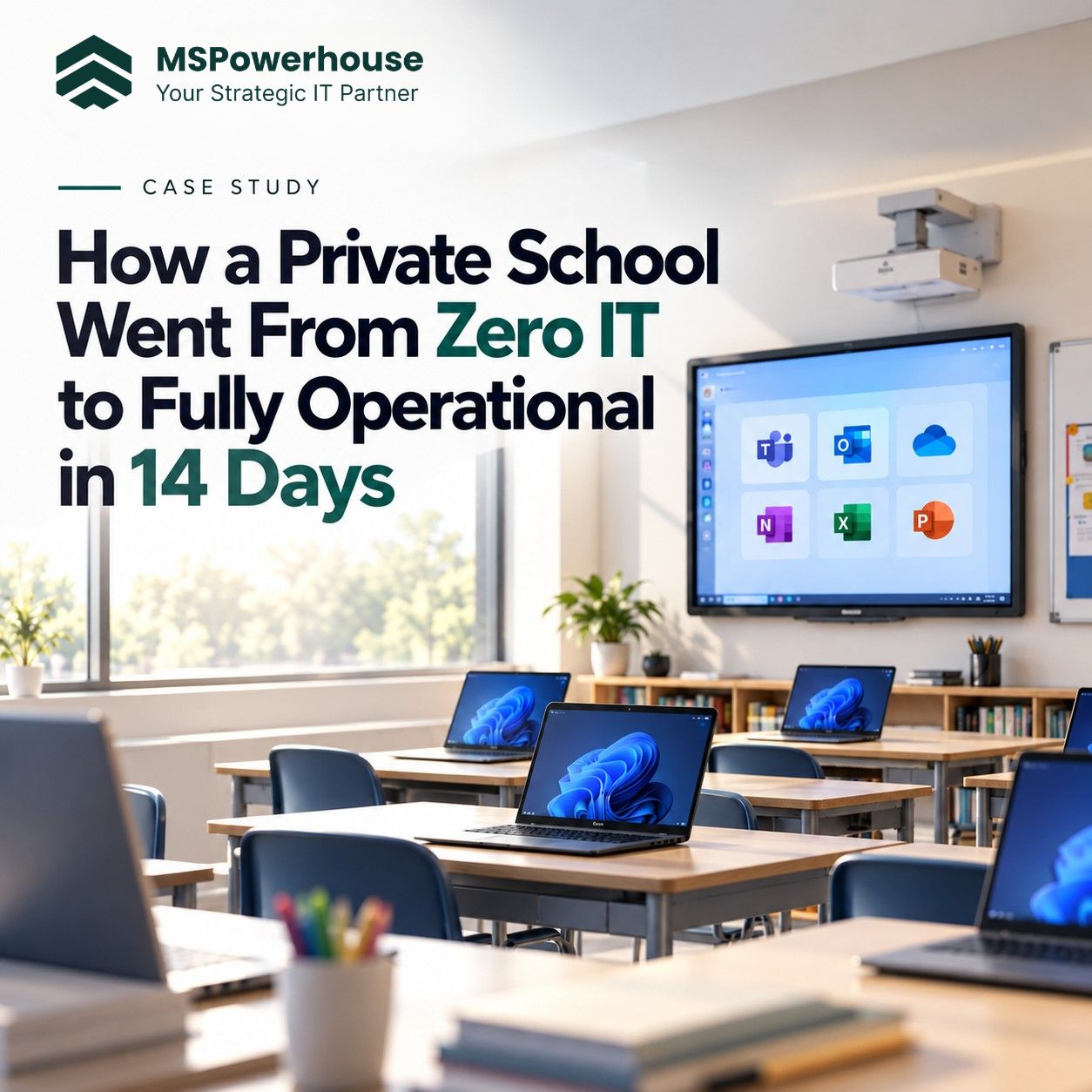
A newly founded private school needed a complete technology environment configured from scratch in two weeks prior to the start of the academic year. As a new campus, the school had no pre-existing IT infrastructure: no directory services, no standardized endpoints, no centralized email, and no device management policies. The administration required a mixed setup: durable, easily managed Chromebooks for students, and Windows 11 laptops for teaching staff and administrative leadership. In addition, teachers needed access to both Google Workspace tools (Gmail, Google Classroom) and Microsoft 365 applications (Word, Excel, OneDrive) without having to manage two separate sets of login credentials. MSPowerhouse was brought in to handle the requirements discovery, hardware sourcing, licensing, endpoint governance, and identity integration within the 14-day window before opening day.
Challenge
- Strict 14-Day Delivery Timeline: All hardware had to be sourced, shipped, enrolled, policy-configured, and distributed before faculty orientation. Delays in procurement or setup would directly affect classroom instruction on day one.
- Device Governance from Day One: Student and staff devices could not be distributed with default factory settings. The school required centralized control over web filtering, software installations, administrative privileges, and remote device recovery.
- Cross-Platform Identity Management: Teachers relied on Google services for instruction and Microsoft services for school operations. Without identity integration, staff would need to maintain two separate passwords, creating confusion and frequent password reset requests.
- Education Pricing and Licensing: As a startup non-profit school, the client needed guidance navigating academic verification for Microsoft 365 and Google Workspace to secure education tier pricing rather than standard commercial rates.
- Multi-Domain Mail and DNS Routing: The school operated multiple domain names for its public brand and internal operations, requiring structured DNS configuration, mail authentication, and departmental mailboxes.
Solution
1. Requirements Gathering and User Stories Before ordering hardware or applying policies, technical specifications were documented for three user groups:
Student Role: Restricted browser settings, blocked consumer app store, automatic connection to school Wi-Fi, and web filtering aligned with school policy. Faculty Role: Windows 11 productivity tools, cloud backup for lesson materials, and restricted local administrator privileges. Administrative Role: Role-based access controls, multi-factor authentication enforcement, and centralized device management capabilities. These requirements were organized into formal user stories and reviewed with school leadership before device configuration began.
2. Hardware Sourcing and Education Licensing MSPowerhouse worked with education hardware distributors to source the required endpoints:
Sourced ruggedized Chromebooks chosen for student durability and simple device lifecycle management. Sourced business-tier Windows 11 Pro laptops for instructional and administrative staff. Guided the school through academic verification, securing education pricing for both Microsoft 365 and Google Workspace subscriptions.
3. Endpoint Configuration and Policy Baselines Every device was configured and enrolled before being placed in a classroom:
Windows Endpoint Management (Microsoft Intune): Configured BitLocker disk encryption with recovery keys stored in Microsoft Entra ID. Applied Microsoft Defender for Endpoint baselines with real-time cloud protection and blocked USB mass storage. Implemented Windows Local Administrator Password Solution (LAPS) to randomize local admin passwords across staff laptops. Packaged and deployed Microsoft 365 Apps, web browsers with managed security extensions, and network printer connections. Chromebook Management (Google Admin Console): Enrolled student devices into designated Organizational Units (OUs). Disabled guest browsing and restricted sign-ins to the school's managed domain accounts. Pre-configured classroom Wi-Fi profiles and content restrictions.
4. Identity Integration and Single Sign-On To avoid dual-credential confusion across Google and Microsoft, MSPowerhouse built a SAML 2.0 identity bridge:
Configured Microsoft Entra ID as the primary identity provider. Configured Google Workspace as a federated service provider via SAML 2.0. Teachers log into their Windows devices and Microsoft 365 using their school email, and authenticate into Google Workspace and Gmail using the same credentials. Enabled Self-Service Password Reset (SSPR) so staff can verify identity and reset credentials independently.
5. Multi-Domain Setup and Mail Deliverability The school's email architecture was structured across its registered domains:
Configured DNS records (MX, SPF, DKIM, and DMARC) across primary and secondary domain properties. Set up Exchange Online transport rules and shared mailboxes for admissions, billing, and general office communication. Established SPF and DKIM signing keys to protect institutional communication from spoofing and spam folder filtering.
Technical Execution
- Identity and Access: Microsoft Entra ID, Google Workspace SAML 2.0 federation, Self-Service Password Reset.
- Endpoint Management: Microsoft Intune (Windows 11 Pro baselines, BitLocker encryption, Windows LAPS), Google Admin Console (Chrome Enterprise policies, OU structure).
- Security Baselines: Microsoft Defender Antivirus, host firewall configuration, restricted removable media.
- Email and DNS Infrastructure: Exchange Online, multi-domain DNS management, SPF records, 2048-bit DKIM keys, DMARC policies.
- Productivity: Microsoft 365 Education suite, Google Workspace for Education, managed browser policies.
Outcome
On-Time Campus Opening: All hardware, cloud accounts, and network policies were delivered and verified within the 14-day schedule. Device Governance: Every student Chromebook and faculty laptop arrived pre-enrolled with security policies active prior to distribution. Unified Login: Faculty use one institutional email and password to access Windows laptops, Microsoft 365, and Google Workspace applications. Verified Education Pricing: Academic licensing discounts reduced recurring software subscription costs compared to standard commercial licensing.
Impact
Deploying a school's IT environment under a tight deadline requires locking down requirements before provisioning hardware. By defining role-based user stories and approving policies in advance, hardware configuration proceeded without mid-deployment delays. The resulting setup provides the school with an organized foundation that supports future grade expansions without requiring architectural redesign.