Why most SharePoint intranets lose employees
Most intranets launch with a polished homepage and a burst of interest. Six months later, policies are out of date, departments publish in different places, and employees go back to asking colleagues in Teams chat. The problem is rarely SharePoint itself. It is the lack of an operating model behind the pages.
In late 2026 this matters more than it used to. Microsoft 365 Copilot and SharePoint search both surface intranet content directly in answers. If a 2022 travel policy is still published and readable, Copilot can quote it. A stale intranet is no longer just inconvenient; it gives employees wrong answers with confidence.
Key takeaway: A successful intranet is a publishing and operating model, not a one-time homepage design. Ownership and freshness matter as much as the visual design. |
Step 1: Start with employee journeys, not departments
Before creating any site, list the ten to fifteen tasks employees perform most often. Interview a handful of people from different roles, including frontline and remote staff, and look at the questions your helpdesk and HR team answer repeatedly.
Find: policies, the holiday calendar, the org chart, a colleague's contact details
Do: submit expenses, request leave, open an IT ticket, book equipment
Know: company news, leadership updates, changes that affect their role
Each journey becomes a navigation item or a home page link. If a page does not serve a journey, question whether it belongs on the intranet at all.
Step 2: Design the architecture with a home site and hubs
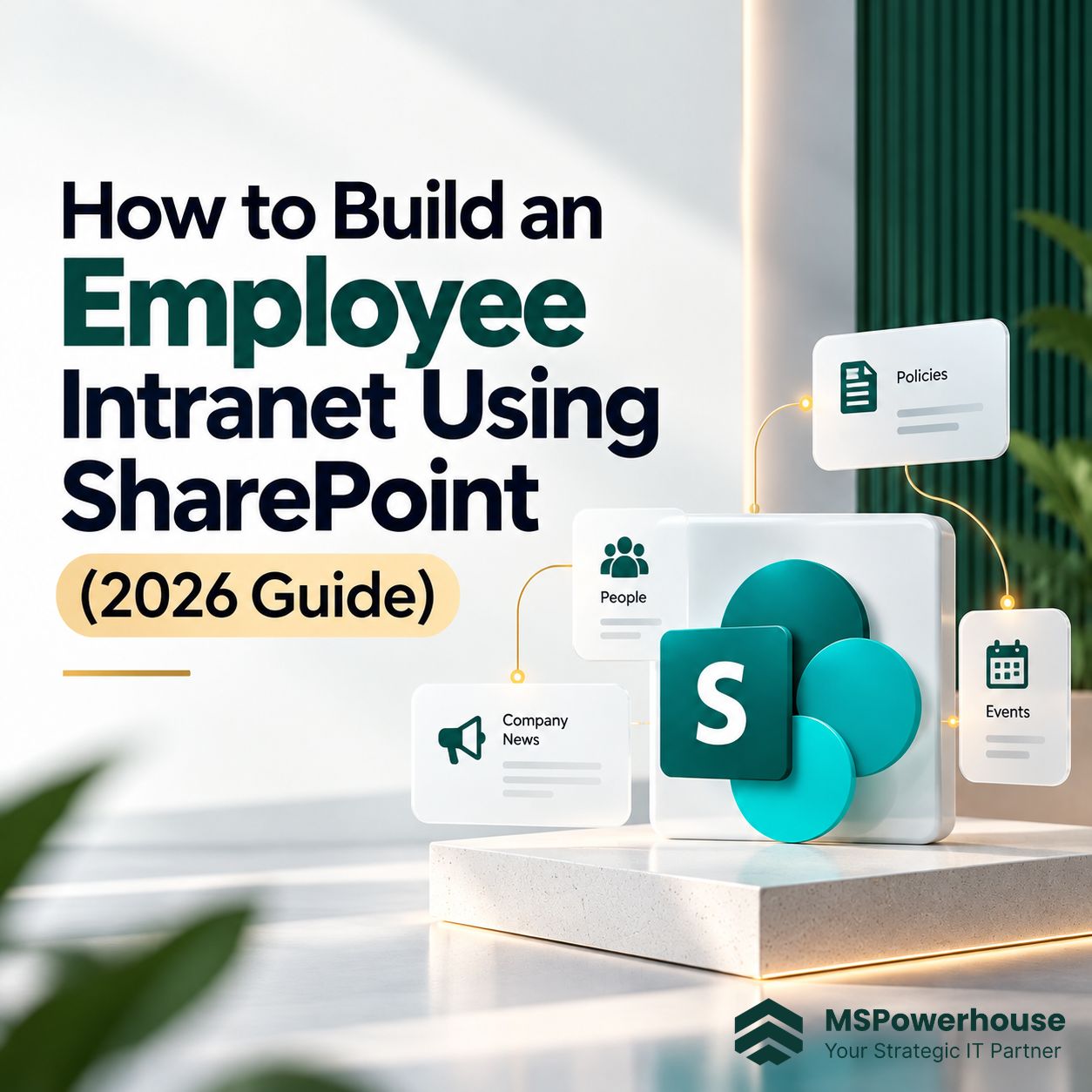
Modern SharePoint uses a flat structure. Instead of nesting subsites, you create separate sites and connect them with hub sites. A home site acts as the front door and supplies global navigation across the tenant. Microsoft explains the model in its information architecture guidance.
Figure 1. Home site, department hubs and associated communication sites
Home site: company news, global navigation and links to the most common tasks
Hub sites: one per major function such as HR, Finance, Operations and IT, sharing navigation and a theme
Associated sites: individual communication sites for policies, programs or locations, each with its own permissions
Because sites are flat, you can reorganize departments later by re-associating a site with a different hub, without moving content or breaking links.
Step 3: Choose the right site type
Use communication sites for the intranet and keep team sites for collaboration. Mixing them is a common cause of cluttered, half-edited intranet pages.
Figure 2. Communication sites publish to many readers; team sites support group collaboration
Need | Recommended | Why |
Company news and policies | Communication site | Small author group, wide read access |
Department landing page | Communication site joined to a hub | Consistent navigation and branding |
Project working files | Team site connected to Teams | Everyone in the group edits |
Frontline mobile access | Viva Connections | Intranet inside the Teams app |
Step 4: Build navigation and target content
Keep global navigation to roughly six to eight top items, based on the journeys from Step 1. Use plain labels employees understand, such as "Benefits" rather than "Total Rewards Portal."
Use audience targeting so a warehouse team and a finance team see different navigation links and news on the same home page. Targeting only changes what is promoted. It does not secure content, so sensitive pages still need proper permissions.
For employees who live in Teams, Viva Connections brings the home site, a dashboard of cards and news into the Teams app, which is often the most effective way to reach frontline workers.
Step 5: Assign content ownership before launch
Every major page, policy area and department section needs a named owner, a backup editor and a review date. Store these as page properties so they can be reported on, not just remembered.
Figure 3. The content governance cycle that keeps an intranet current
Content type | Owner | Review cycle |
HR policies | HR manager | Every 12 months or when policy changes |
Department pages | Department lead | Every 6 months |
Company news | Internal communications | Archive after 90 days |
IT how-to articles | IT support lead | Every 6 months |
Step 6: Get permissions and search right
Most intranet content should be readable by everyone, but editing rights should stay with a small, named group per site. Avoid granting edit access to "Everyone except external users."
Readers: all employees on intranet communication sites
Members: the site's authors and editors only
Owners: two people per site, so ownership never depends on one person
Before enabling Copilot, review oversharing on sites outside the intranet. Tools such as Restricted Content Discovery and site lifecycle management help identify inactive and ownerless sites. If you already see access or search issues, our guide to common SharePoint problems covers the usual fixes.
Step 7: Automate the routine work
Use Power Automate to send review reminders to page owners, route policy updates for approval and archive expired news. Our article on automating SharePoint with Power Automate explains how to build these flows so they do not break when staff change.
Step 8: Pilot, launch and measure
Figure 4. A typical rollout timeline; size and content volume change the schedule
Run a two to four week pilot with 20 to 50 employees from different roles. Ask them to complete real tasks and note where they get stuck. Check pages against Microsoft's portal performance guidance, because a slow home page loses users quickly.
Metric | What it tells you |
Unique visitors per month | Whether employees treat the intranet as a habit |
Searches with no click | Content gaps or poor page titles |
Pages past review date | Whether ownership is working |
Repeat helpdesk questions | Topics the intranet should answer |
How MSPowerhouse can help
MSPowerhouse plans and builds SharePoint intranets for growing organizations, from employee journey workshops and hub architecture to permissions review, content migration and Viva Connections setup. Our certified Microsoft 365 engineers also set up the ownership and review process so the intranet stays accurate after launch.
Learn more about our SharePoint services, Microsoft 365 consultation, business automation and Copilot readiness work.
Ready to plan your intranet? Book a free consultation and we will review your current SharePoint setup and recommend a practical structure.