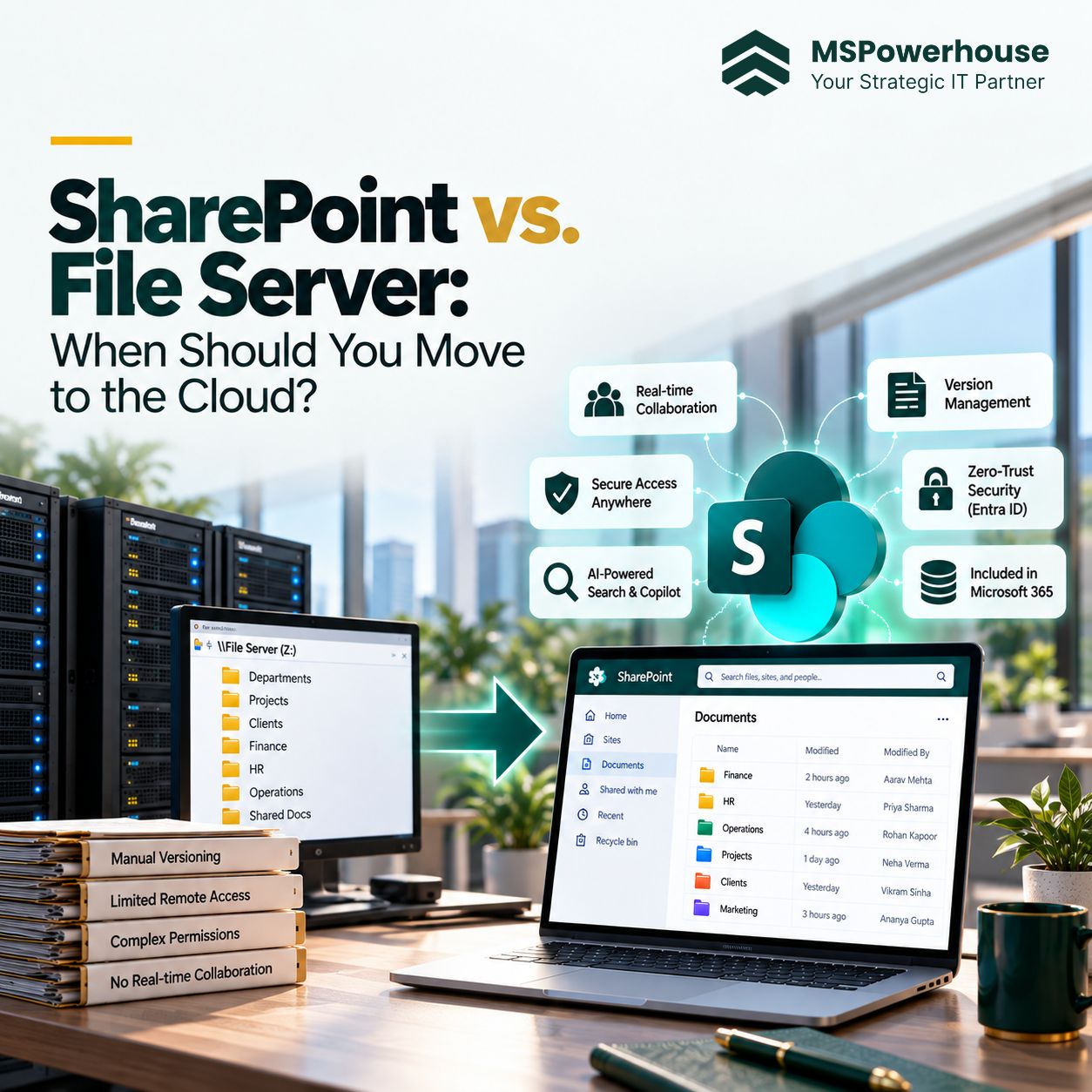

A SharePoint migration checklist is the difference between a quiet Monday and an emergency all-hands. This is the exact checklist we use on MSPowerhouse SharePoint projects — three phases (pre, cutover, post), copy-paste ready. It works for migrations to SharePoint Online from SharePoint Server, Windows file shares, or another cloud. If you are still choosing your migration tool, see our 2026 tool comparison first.
Phase 1 — Pre-Migration (4–8 Weeks Out)
Discovery & Inventory
- Enumerate every source site, share and library — total volume, file count, average file size.
- Identify owners for every top-level folder. No owner = archive candidate.
- Run SPMT scan-only against a representative sample to surface long paths, unsupported files and permission gaps. (Full walk-through in our SPMT complete guide.)
- Pull a sharing report from the source and note any external / anyone links to preserve or revoke.
Target Design
- Decide the site topology (one hub, or hubs per department).
- Provision destination sites and Microsoft 365 groups. Confirm 25 TB per site collection is enough.
- Design the metadata schema — content types, managed metadata, mandatory columns — before you migrate, not after.
- Set up sensitivity labels if Copilot is on the roadmap.
Identity & Permissions
- Confirm Microsoft Entra ID sync covers every account referenced by NTFS ACLs on file shares.
- Resolve or remove disabled accounts, local groups, orphaned SIDs on the source.
- Publish the target permission model (Owners / Members / Visitors per site) and get it signed off.
Communication & Change Management
- Announce the migration schedule two weeks before cutover. Repeat one week before, and 48 hours before.
- Publish the freeze window, new URLs, and the “where does this file go now” one-pager.
- Run one training session per major user group before cutover, not after.
Bulk Copy (Background)
- Run the full SPMT or Migration Manager bulk copy 2–4 weeks before cutover.
- Log all failures. Anything unresolved after 48 hours becomes a written exception with an owner.
- Do NOT try to make the bulk copy the cutover. Bulk copy is the rehearsal.
Running a migration for the first time? MSPowerhouse handles discovery, bulk copy, cutover, and post-migration governance for US businesses with 50–500 employees. Book a free 15-minute scoping call and we will tell you exactly what your checklist should look like based on your source environment.
Phase 2 — Cutover Weekend
- Friday 5 PM — freeze. Communicate write-freeze on source. Optional: set NTFS shares to read-only.
- Friday evening — final delta. Re-run the same SPMT / Migration Manager tasks. Only new and changed files copy.
- Saturday — validate. Compare source vs destination counts from the migration report CSV. Spot-check 5% of files per site.
- Saturday — redirect. Update intranet links, shortcut files, and (if used) IIS 301 rules on old SharePoint URLs.
- Sunday — pilot users. Ten friendly users work exclusively from the destination. Track every issue.
- Sunday evening — go / no-go. Formal sign-off. If no-go, keep source live and reschedule; do not half-migrate.
- Monday 8 AM — open the destination. Comms, help desk on standby, source now read-only.
Phase 3 — Post-Migration (Weeks 1–4)
- Publish an issues log; triage daily for the first week, weekly after that.
- Audit sharing links and external access on the new libraries. Revoke anything unnecessary.
- Apply retention and sensitivity labels — a clean library is the right moment.
- Trigger a full search re-index on every migrated site collection.
- Ensure your Microsoft 365 backup covers the new sites from day one.
- Keep the source read-only for at least 30 days. Decommission only after formal sign-off.
- Publish the run-book: what moved, what did not, why, and what to do differently next time.
Common Checklist Mistakes
- No owner list. Without owners, no one signs off on what to archive.
- Skipping the scan-only pass — this is where every ugly surprise gets flagged early.
- Freezing source too long. 36–48 hours max; anything longer breaks the business.
- Decommissioning source too fast. 30 days minimum, ideally 60.
- No search re-index — users report “search is broken” for weeks.
Want the checklist as a printable PDF? Or the same checklist run by a Microsoft Partner that has done it 200+ times? Talk to our team today!