In 2026, maintaining on-premise infrastructure has become one of the most expensive decisions a mid-market business can make. Hardware refresh cycles, power and cooling costs, manual patching, and the inability to support modern AI workloads are pushing IT leaders to accelerate cloud migration. This guide breaks down the real economics of on-prem versus cloud, explains why most migration projects go over budget, and details exactly how MSPowerhouse migrates business-critical workloads to Microsoft Azure without operational disruption.
Why On-Premise Infrastructure Is Getting More Expensive in 2026
Physical servers carry costs that rarely appear in a single line item. The standard 3 to 5 year hardware refresh cycle is the most visible expense, but the compounding costs sit underneath it: power consumption, cooling, physical security, and the engineering hours spent patching hypervisors and managing hardware failures manually.
The bigger problem in 2026 is AI readiness. Tools like Microsoft Copilot and Azure AI Services require elastic compute that scales on demand. Static on-premise hardware cannot deliver that. The principle of data gravity applies directly: if your data lives in legacy on-prem storage, you cannot deploy AI tools effectively against it. The compute has to sit close to the data, and increasingly, that means moving both to the cloud.
Shifting to an Operating Expenditure (OpEx) model in Microsoft Azure eliminates hardware liabilities, transfers the physical redundancy burden to Microsoft, and gives your engineering team time back to work on things that move the business forward.
The Financial Failure of Lift-and-Shift Cloud Migration
According to 2026 State of the Cloud industry data, 38% of cloud migration projects exceed their original budgets and 31% miss their planned timelines. The primary cause is the lift-and-shift approach, which means copying existing on-premise virtual machines directly into Azure or AWS without any optimization.
The problem with lift-and-shift is that you carry technical debt into the cloud. On-prem VMs are typically over-provisioned because physical hardware cannot scale dynamically. When you replicate that provisioning in Azure, you pay for continuous compute resources instead of using auto-scaling. A VM provisioned for peak load runs at that cost 24 hours a day, 7 days a week, whether or not the load justifies it.
Strategic migration, specifically replatforming or refactoring workloads, requires a larger upfront engineering investment but significantly lowers Total Cost of Ownership over a 3 year period. At MSPowerhouse, we do not recommend lift-and-shift for business-critical workloads. We right-size every workload before it moves.
Azure vs AWS: The Right Choice for Microsoft-Centric Businesses
Both Microsoft Azure and Amazon Web Services publish strong uptime SLAs, but the numbers require translation into operational reality:
- 99.9% uptime allows 8 hours and 45 minutes of downtime per year.
- 99.99% uptime allows 52 minutes of downtime per year.
For businesses running Microsoft-centric environments, including Windows Server, Active Directory, Microsoft 365, and SharePoint, Azure holds a structural advantage that goes beyond SLA percentages. Microsoft Entra ID (formerly Azure Active Directory) integrates natively with every Microsoft product your team uses. Microsoft Intune manages device compliance across your entire endpoint fleet from a single console. Stitching AWS compute into a Microsoft identity and compliance stack introduces unnecessary complexity and additional points of failure.
MSPowerhouse builds on Azure because the native integration across the Microsoft stack reduces latency, simplifies access control, and eliminates the middleware costs that come with mixing platforms.
How MSPowerhouse Executes Cloud Migrations: A 3-Phase Methodology
Enterprise research from Auvik shows that organizations using formal readiness assessments achieve 2.4 times higher migration success rates than those that do not. MSPowerhouse follows a strict phased methodology designed to eliminate surprises and protect business continuity at every stage.
Phase 1: Pre-Migration Assessment and Discovery
Before a single workload moves, we deploy assessment tooling to build a complete map of your environment. This includes application dependency mapping, shadow IT identification, and network performance baselining. Application dependencies are critical: if a legacy application communicates with a specific database, both must migrate together to avoid latency timeouts and application failures post-cutover.
We also conduct Redundant, Outdated, and Trivial (ROT) data analysis during this phase. There is no reason to pay migration and storage costs for data that holds no current business value. Cleaning the environment before migration reduces cost and reduces risk.
Phase 2: Pilot Migration and Phased Wave Rollout
We start with a defined pilot group, typically the IT department, to validate permissions, test application performance, and benchmark network latency in the new environment. The pilot must clear User Acceptance Testing (UAT) before the broader rollout begins.
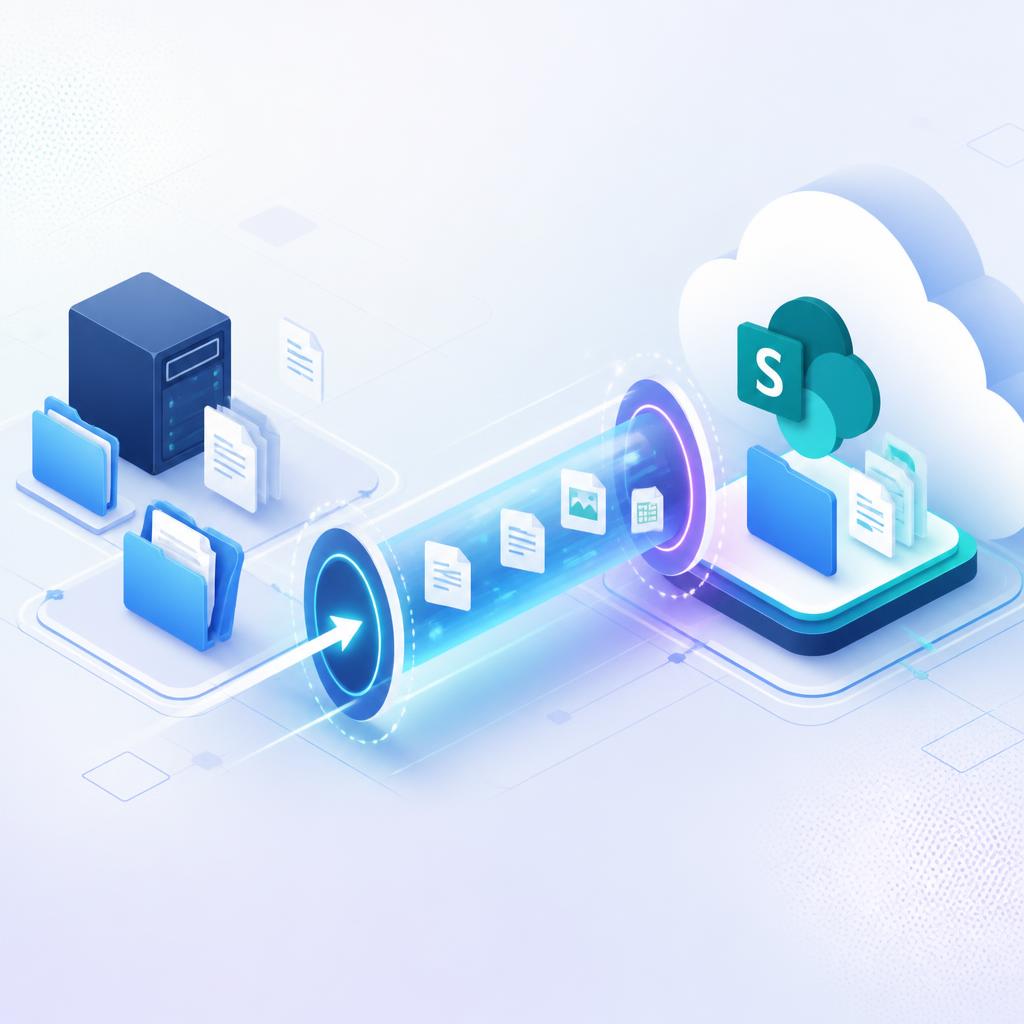
From there, we migrate in logical waves, department by department. This approach compartmentalizes risk. If an issue surfaces in one wave, it does not affect the rest of the organization. For data transfers, we use the SharePoint Migration Tool and Azure Migrate to guarantee bit-for-bit data accuracy.
This phased methodology is how we migrated 40TB of data for Cross Catholic Outreach with zero operational downtime. The same approach applies regardless of environment size.
Phase 3: Post-Migration Optimization and FinOps
A completed migration is the starting point, not the finish line. The 90 days after cutover determine the financial outcome of the project. We monitor resource utilization against actual consumption data. If a virtual machine was provisioned with 32GB of RAM but telemetry shows it consistently running at 12GB, we right-size the instance. That single action can reduce compute costs on that workload by 30 to 60 percent.
We also finalize governance policies during this phase to prevent unauthorized resource provisioning. Ungoverned cloud environments are one of the primary causes of cloud cost overruns. Our managed IT services include ongoing FinOps monitoring so your cloud spend stays aligned with actual usage.
What MSPowerhouse Handles End to End
If you are evaluating a migration partner, here is exactly what our team manages across the full project lifecycle:
- Pre-migration environment assessment and application dependency mapping
- ROT data analysis and pre-migration cleanup
- Azure infrastructure design and provisioning
- Microsoft 365 tenant configuration and data migration
- SharePoint Online migration from legacy file servers or Google Workspace
- Microsoft Entra ID setup, hybrid identity, and conditional access policies
- Microsoft Intune device enrollment and endpoint compliance
- Post-migration FinOps monitoring and right-sizing
- Governance policy configuration to control cloud resource provisioning
- Ongoing cybersecurity and 24/7 managed support after go-live
Ready to find out what migration would actually cost for your
environment?
MSPowerhouse provides a free IT assessment that includes a full environment review, a migration readiness score, and a cost breakdown comparing your current on-prem spend to a projected Azure TCO. No obligation. Request your free assessment here.